Office Fit-out & Refurbishment

Survey fast. Design with confidence.

NavLive gives fit-out teams accurate as-built data in a single site visit. No repeat visits, no manual measuring, and no delays waiting for drawings.

Book a live demo
~80% reduction in survey and drawing time
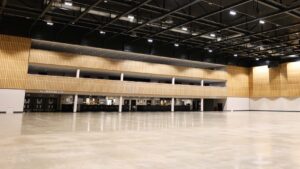
10 mins to scan an 8,434 ft² office floor
<2 hrs from on-site scan to complete Revit model
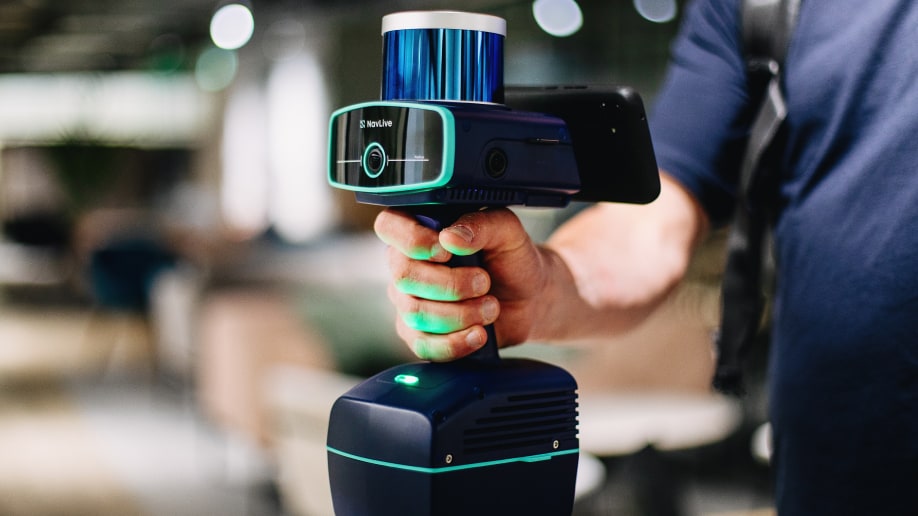
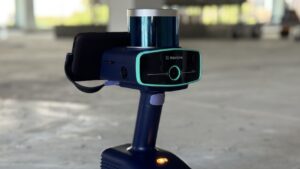
NavLive Scanner

The faster way for fit-out teams to capture as-built data

Accurate measurements

Every room, corridor, and service zone, measured precisely

Walk the floor once and NavLive captures accurate dimensions of the entire space, precise enough for RICS-grade 1:100 drawings. No measuring tapes, no manual notes, and no going back to site to check a detail that wasn't written down.

Full 3D model

Capture a dense, navigable digital replica of the space

NavLive produces a full 3D point cloud you can explore, slice, and measure from your desk, long after you've left the building. Share it with M&E coordinators or structural engineers so every discipline is working from the same verified model.

Detailed 2D plans
Detailed 2D plans

Import straight into your design software and start

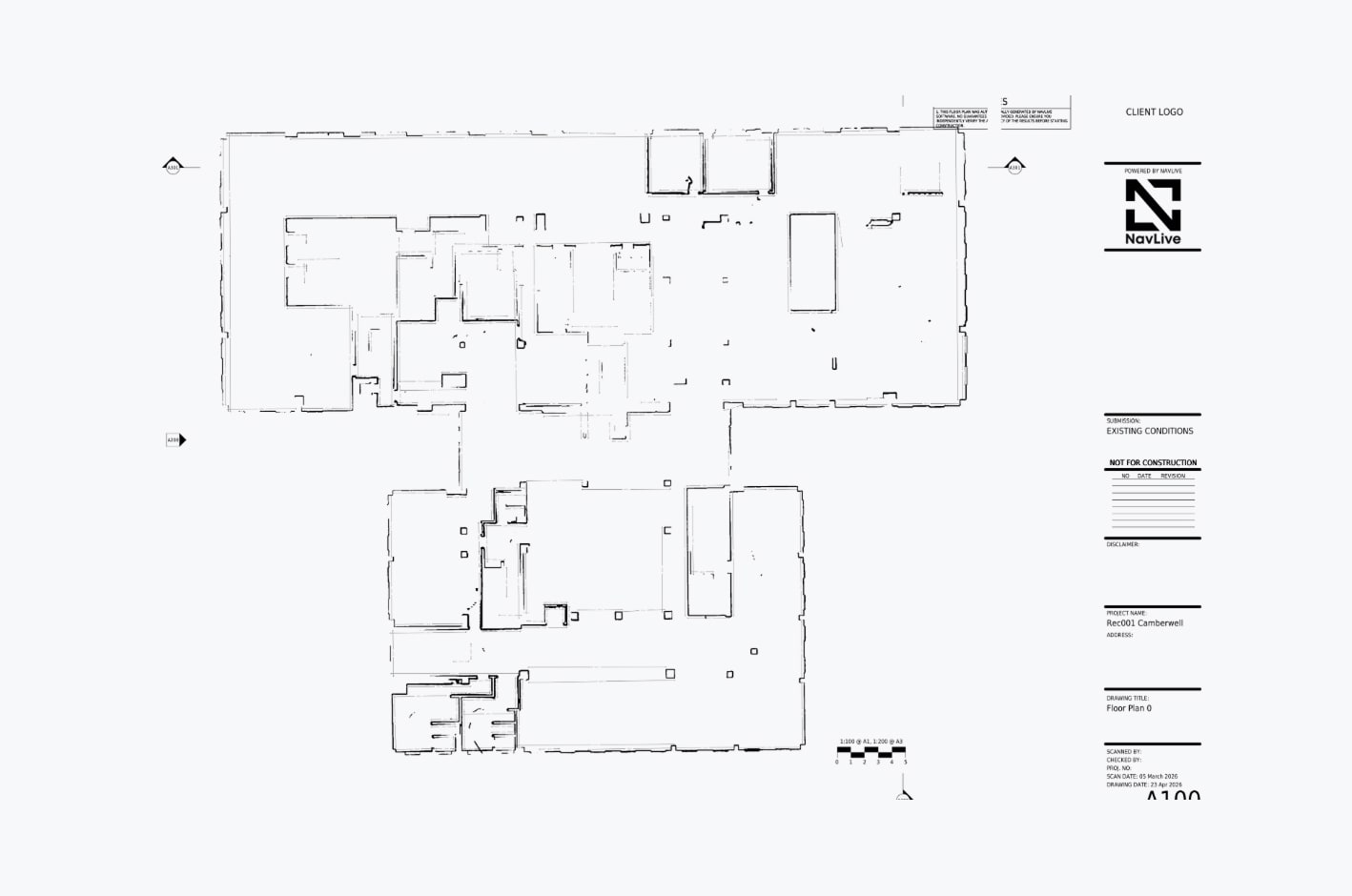
Accurate 2D floor plans and sections are generated automatically from the scan, ready to import directly into Revit, AutoCAD, Archicad, or SketchUp. Your design team can start working the same day the survey is done.

Reference photography

Verify any detail without returning to site

High-resolution photos are captured automatically alongside the scan data, geo-referenced to the floor plan so you can pinpoint exactly where each image was taken. If a question comes up during design, the answer is already waiting for you in the NavLive Portal.

Single site visit

Capture all measurements in one go. No revisits to check room heights, service routes, or structural positions.

Same-day models

Point cloud data imports directly into Revit, AutoCAD, and others. Design starts the same day as the survey.

Works in live spaces

No tripods, no disruption. Scan occupied offices while normal activity continues around you.

Capture Everything in a Single Site Visit

Walk through the space once and NavLive captures it all: room heights, service routes, structural positions, and photographic reference. No guesswork, no missing measurements, no returning to site because a detail wasn't in the original notes.

One visit, everything captured

Survey an entire floor in minutes with a single walk-through

Nothing missed

Room heights, service routes, structural positions, all recorded in a single pass

Start Designing in Your BIM Software the Same Day

Point cloud data exports directly into Revit, AutoCAD, Archicad, and SketchUp. Your design team can start modelling hours after the survey (not days), meaning tighter programmes and fewer delays waiting for drawings to land.

Same-day output

Go from on-site scan to design-ready model in a matter of hours

No waiting on drawings

Start designing immediately, without the usual back-and-forth between survey and studio

Give Every Discipline the Same Source of Truth

All scan data syncs instantly to the NavLive Portal, where designers, M&E coordinators, and project managers can access floor plans, point clouds, and reference photos from any device. Everyone works from the same verified information, so coordination errors become a thing of the past.

Instant access for all

Share verified scan data with every team member the moment the survey is done

Reduce coordination errors

One shared dataset means no conflicting drawings, no version confusion

Scan Occupied Offices Without Any Disruption

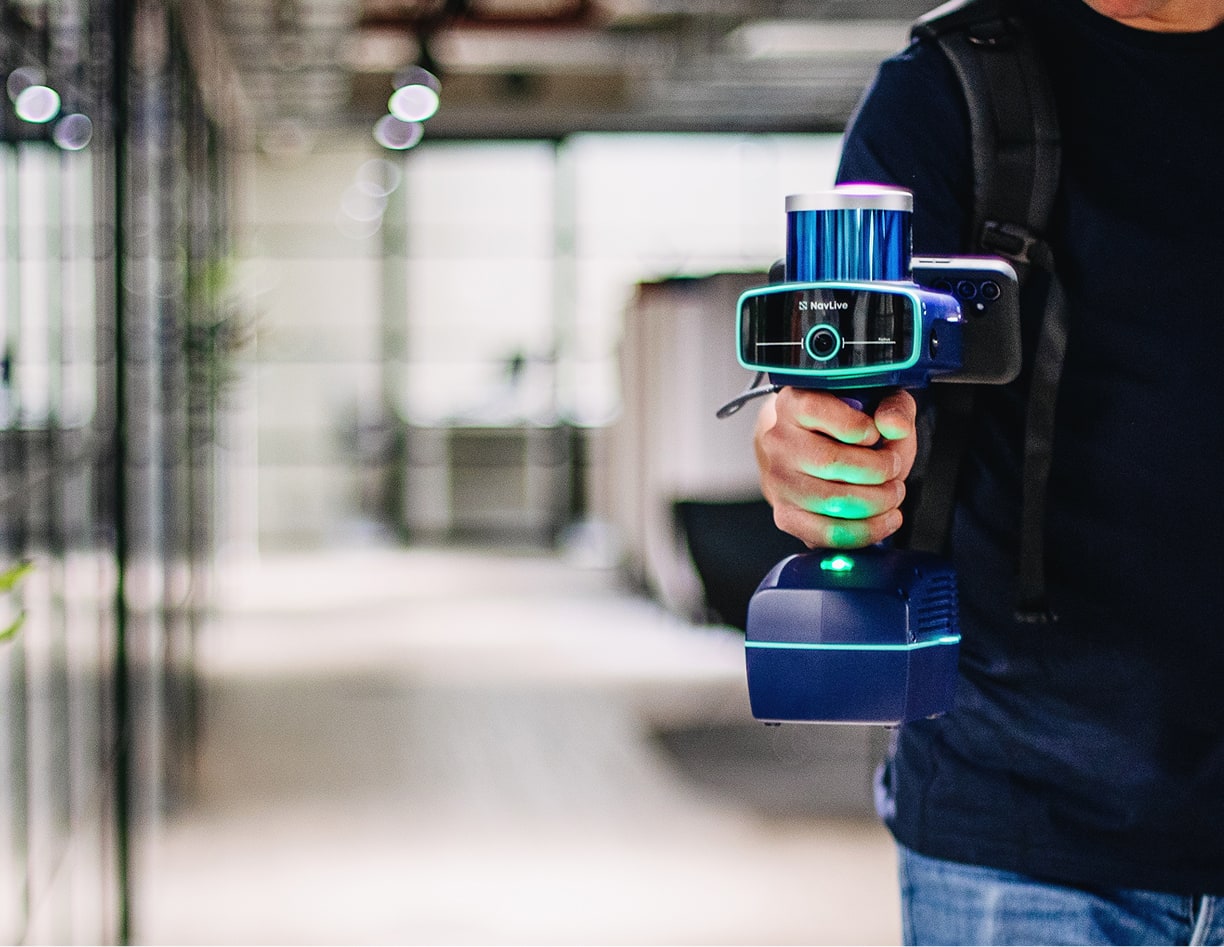
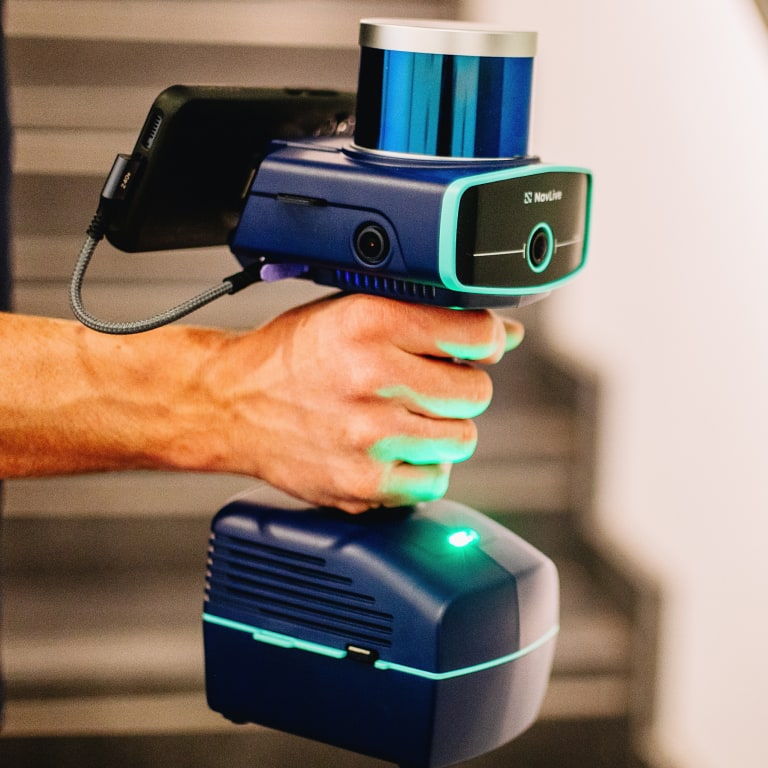
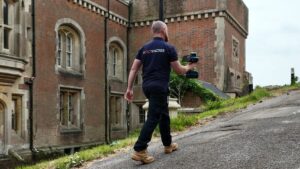
There are no tripods required, no specialist setup, no need to clear the floor. One person walks through with the handheld NavLive scanner while the office carries on around them. It's straightforward to survey live client sites, phased refurbishments, or buildings that can't be taken offline.

Works around your client

Survey a live office without clearing desks, booking downtime, or disrupting the working day

No specialist setup needed

One person, one device, operational in seconds with zero on-site preparation

Scan Occupied Offices Without Any Disruption
How it works

From site to design in a single morning

With NavLive, you simply walk the floor, sync the data, and have your team designing, all before you've had lunch.

01 On site

Walk and scan

One person, one device. Walk through the space at a normal pace. No setup required.

02 Automatic

Real-time processing

On-board AI generates floor plans, elevations, and point cloud data on-device as you scan.

03 Instant

Sync to portal

Data uploads to the NavLive cloud. Your whole team can access it before you're back at the office.

04 Same day

Into your software

Import the point cloud directly into Revit, AutoCAD, Archicad, or SketchUp. Design starts immediately.

Kunal Samtani, BW
"With NavLive, we no longer need repeated site visits to verify details, as the scanner generates a precise point cloud model and reference images in one pass. It's completely transformed the way we survey."
Kunal Samtani — Senior Technical Designer, BW: Workplace Experts
case study

How BW cut survey time by 80% with NavLive

One of the UK's leading fit-out specialists replaced days of traditional surveying with a 10-minute scan.

Read the Story

Advanced Tools for Office Fit-out & Refurbishment Teams

Built-in measurement features, 3D point clouds, and easy data export give you everything you need to explore, analyse, and integrate your building information.

Built-In Measurement Tools

Quickly draw areas to get square metre estimates without needing to export a thing. Edit and adjust as needed — right in your browser.

Explore a 3D Point Cloud

Use the Point Cloud viewer to inspect your space in full 3D. Navigate, slice, and zoom through millions of points using real-time web rendering — no downloads or plugins required.

7 Scans London Warehouse Fulham SW6 5 Jun 2026
2 Scans Manchester HQ 29 May 2026
1 Scan Heritage Site 24 May 2026
3 Scans Oxford Office 16 May 2026

Organised by Project

Each scan is automatically organised by project, with everything in one place

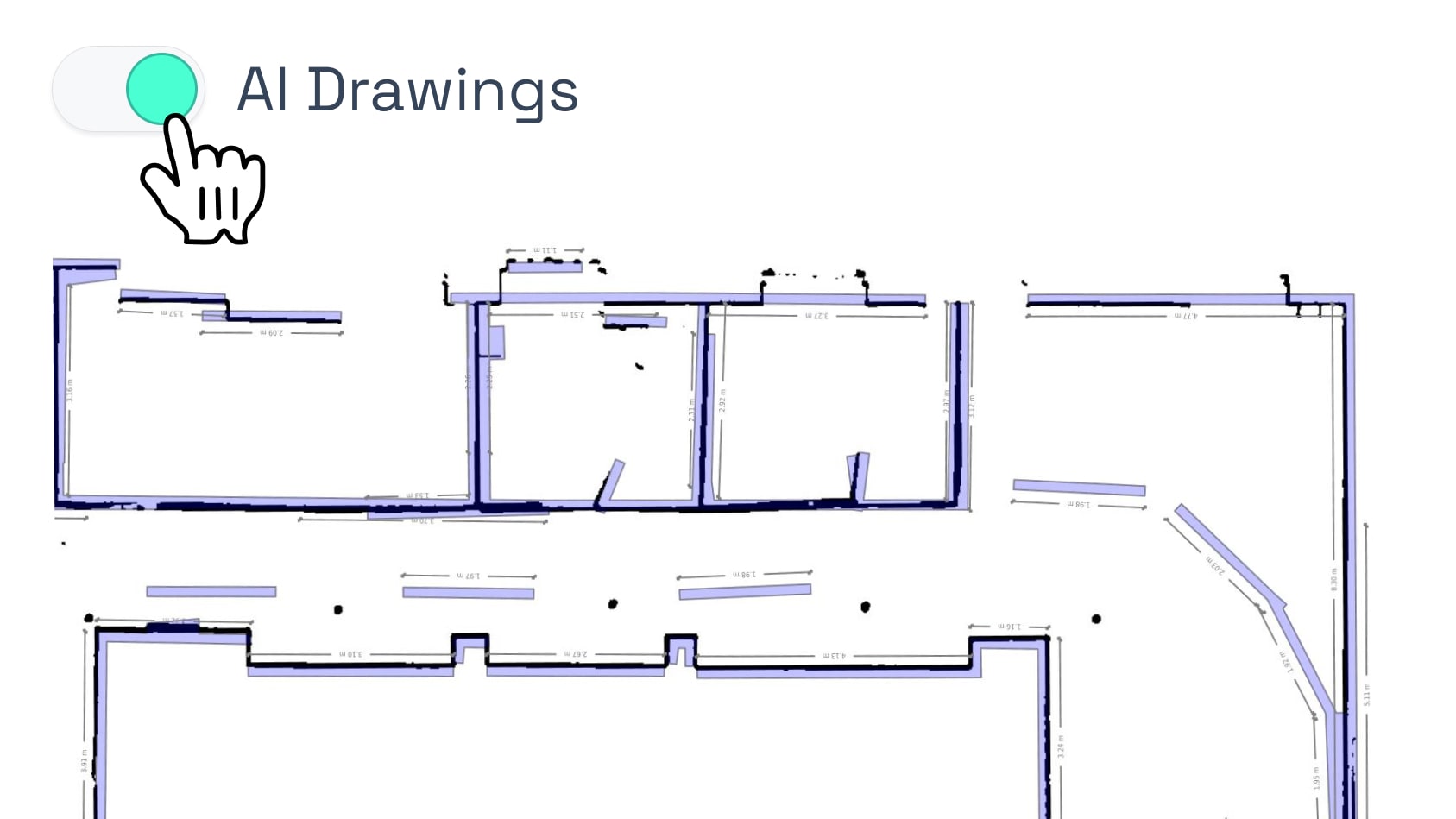
AI-Generated Drawings

AI-Generated Drawings

Toggle on AI Plans to view automatically interpreted walls, doors, and windows.

Download and Share

Download and Share

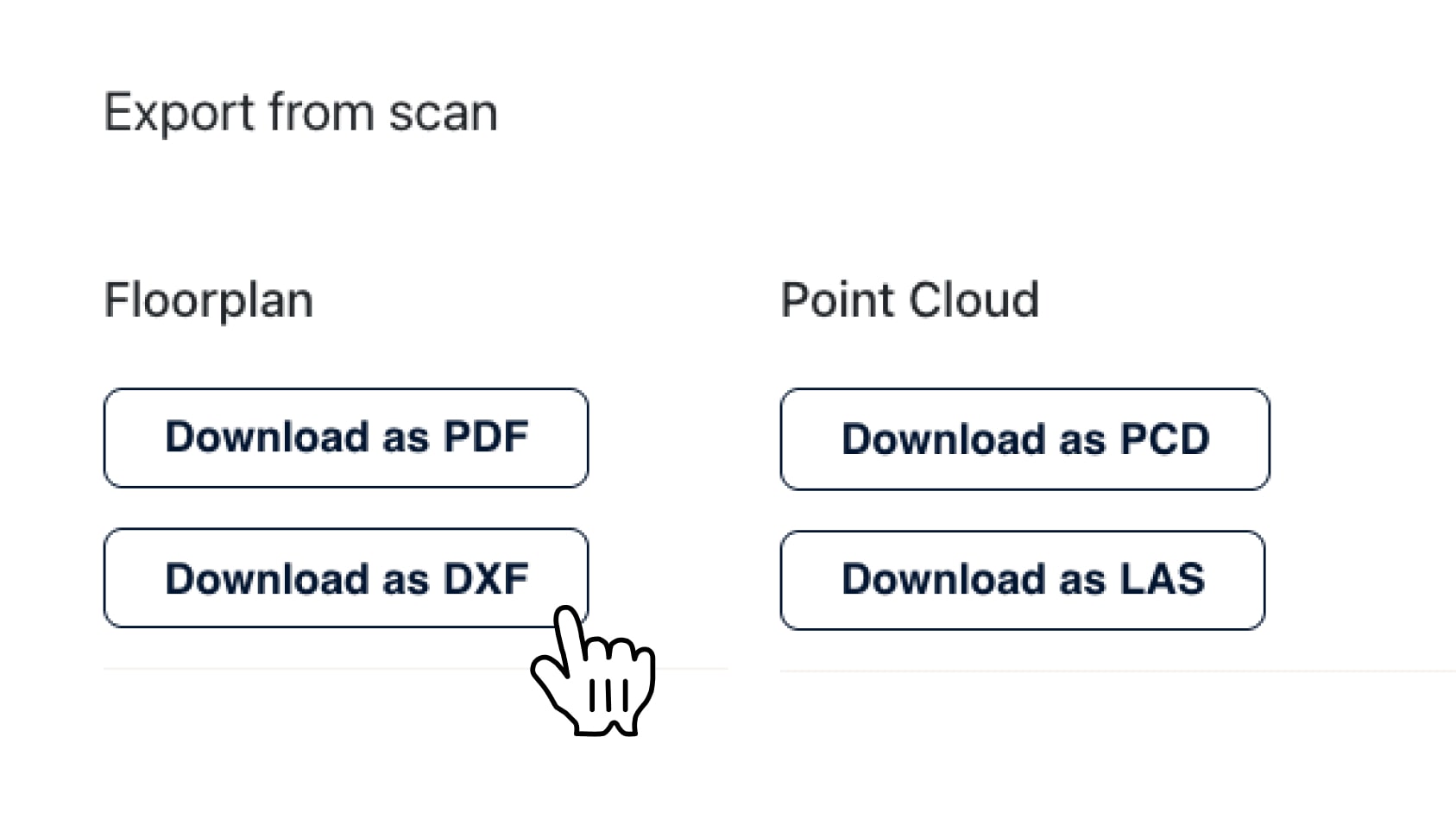
Export floor plans in PDF or DXF, and point clouds in PCD or LAS formats.

Schedule your NavLive demo

Schedule a NavLive demo

In this initial 15-minute call, we'll:

  • Gather some quick info about your current surveying workflows.
  • Answer any questions you have about NavLive.
  • Schedule an in-person site visit to demo the NavLive scanner at your office.