NavLive Support
Featured User Guides
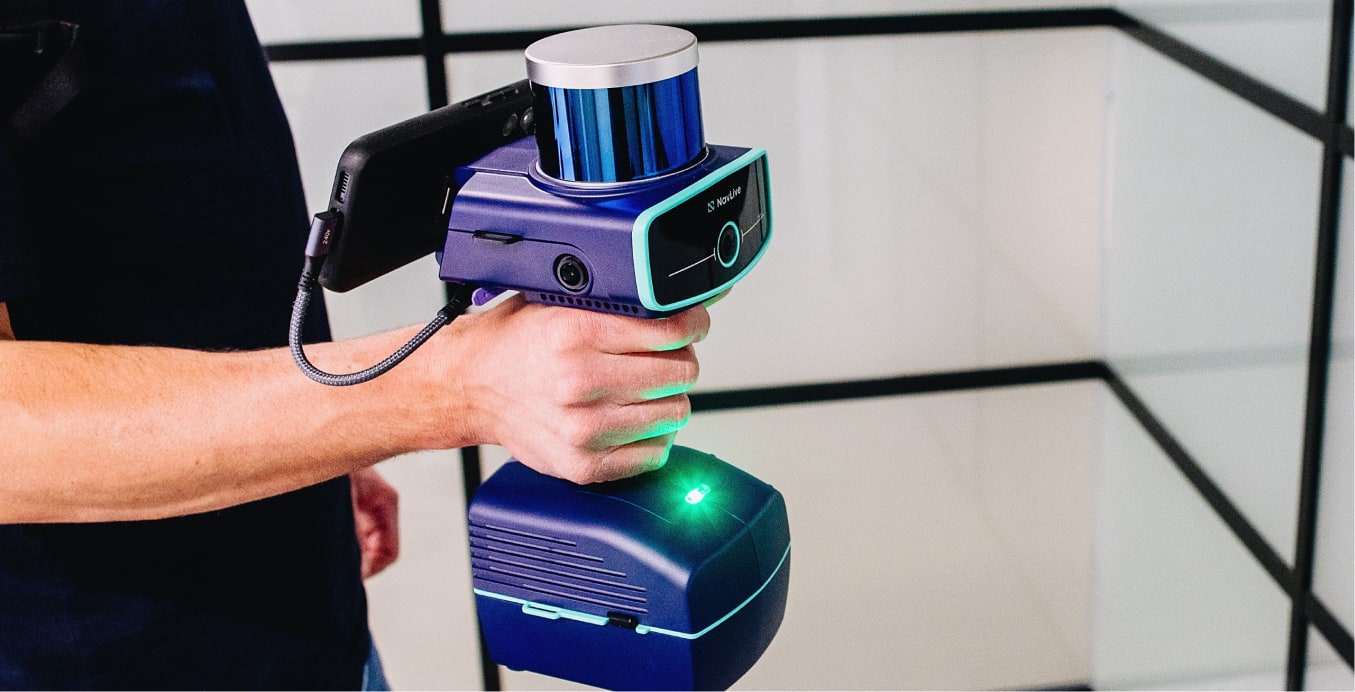
Starting a Scan
Step-by-step guidance on getting the NavLive Scanner ready for your first scan.
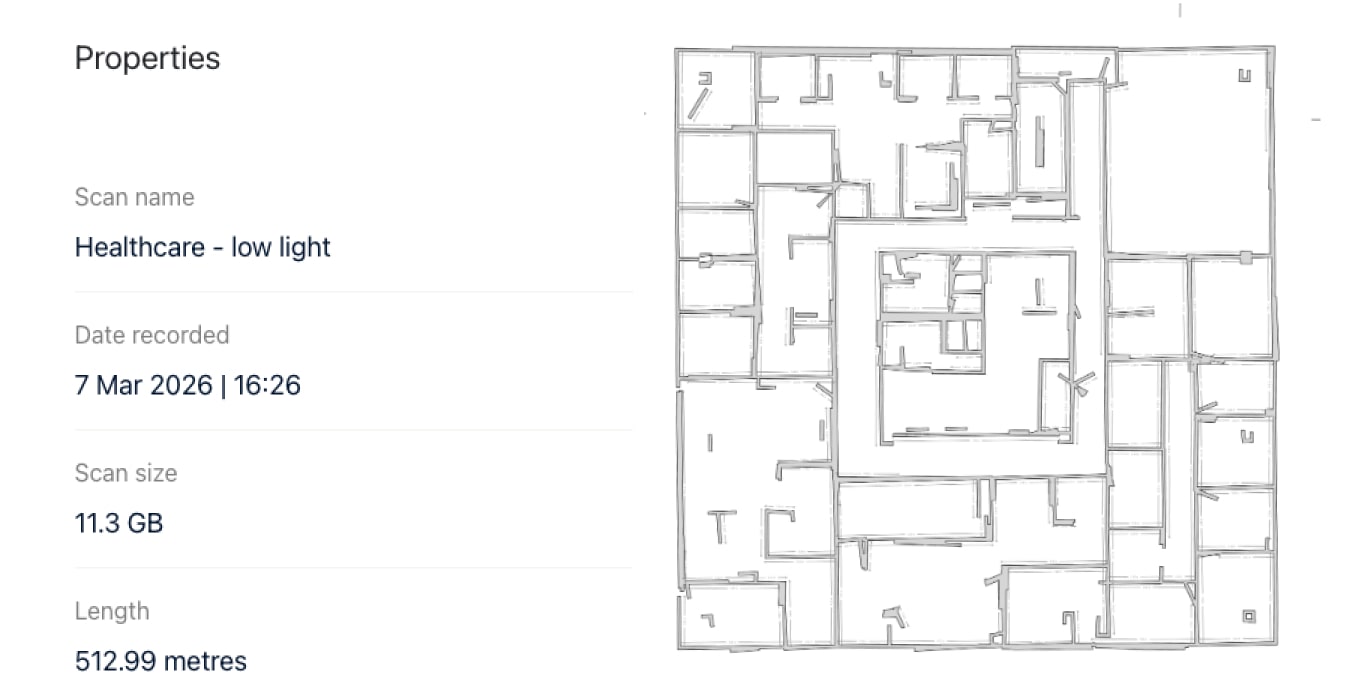
Working with the Portal
Access a range of outputs generated from your scans in a simple, cloud-based platform.
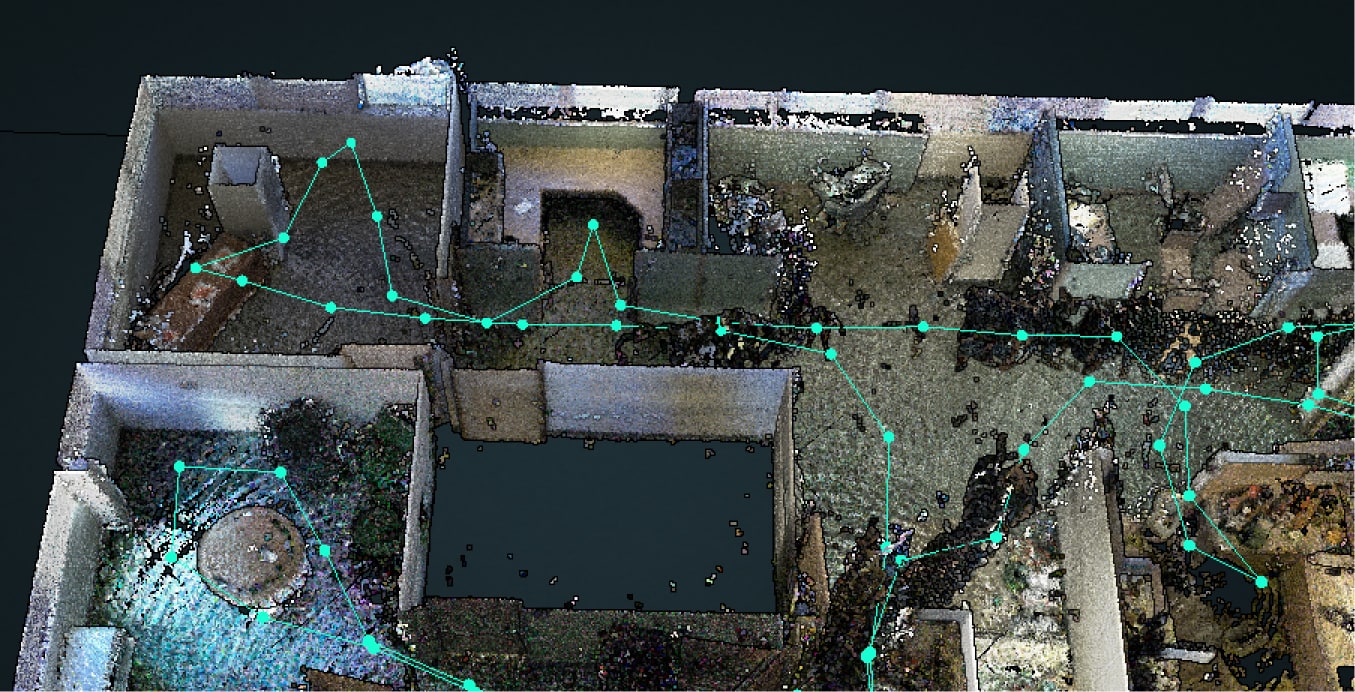
Point Cloud Denoising
A single click automatically cleans and refines your point cloud scan data.
What’s in the Box
An overview of everything you get with your Navlive Radius scanner.
Getting Started With A Scan
Learn how to complete your first NavLive scan, from startup to reviewing results.
Capturing Building Objects
Capture windows and doors as you scan, which will be added to your AI floor plan.
Adding Notes
Adding notes lets you capture extra details to remember, follow up on, or share.
Stopping a Scan
After scanning, stop and save to process data for review, sharing, and uploading.
Working With Control Points
Learn how to capture and align Control Points to improve scan accuracy and consistency.
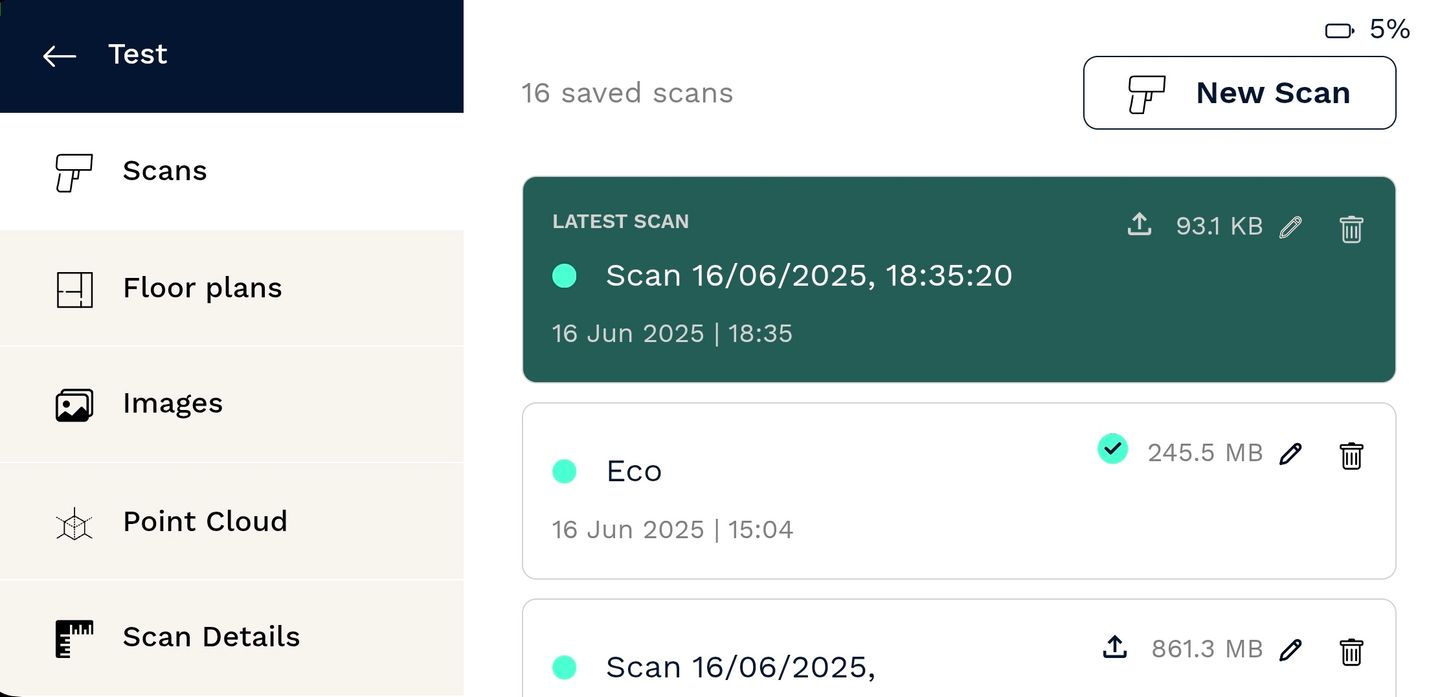
Viewing Your Scan Results
NavLive creates 2D floor plans and 3D point cloud data for you to explore, verify, and share.
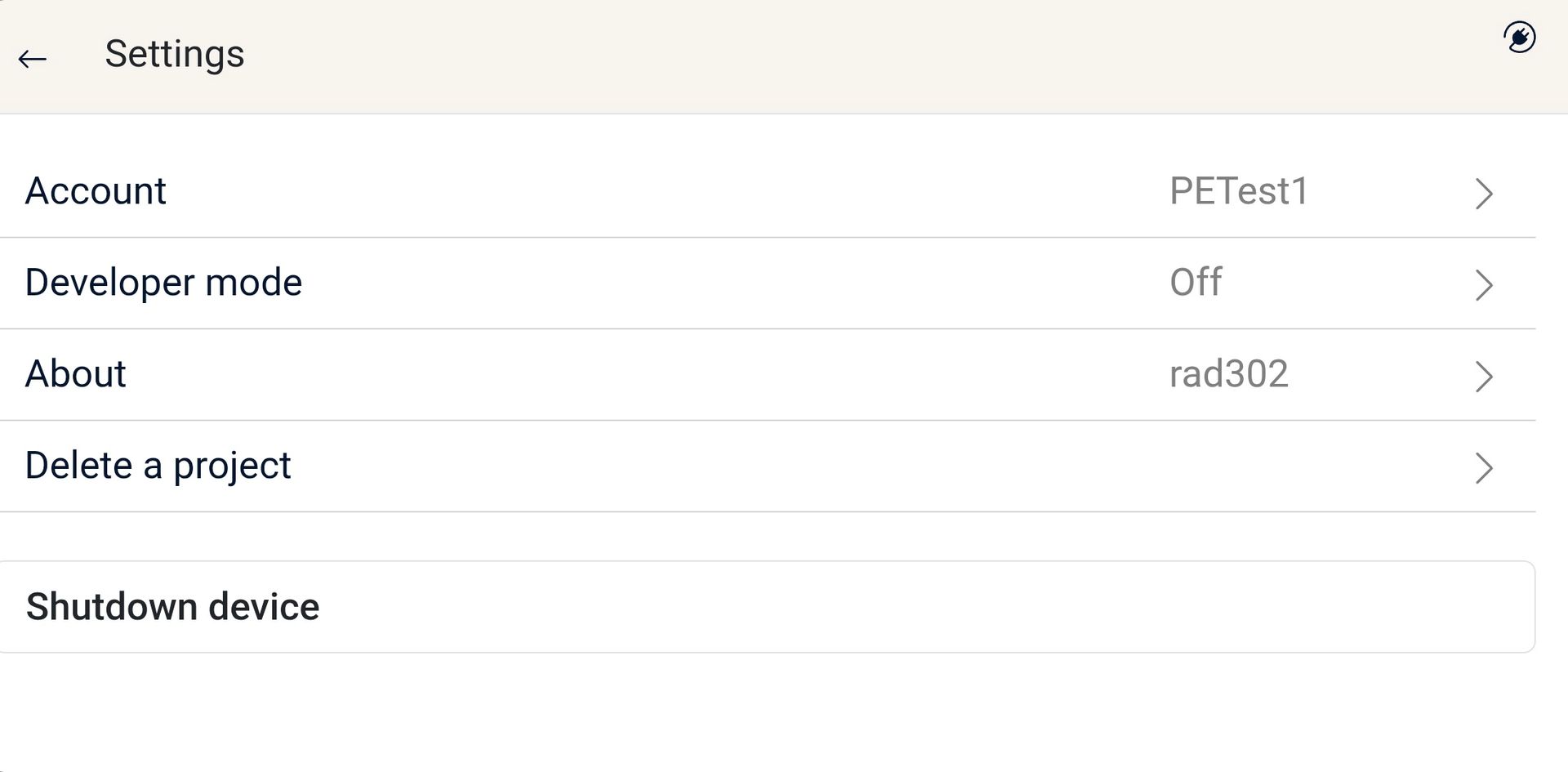
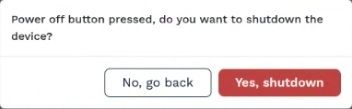
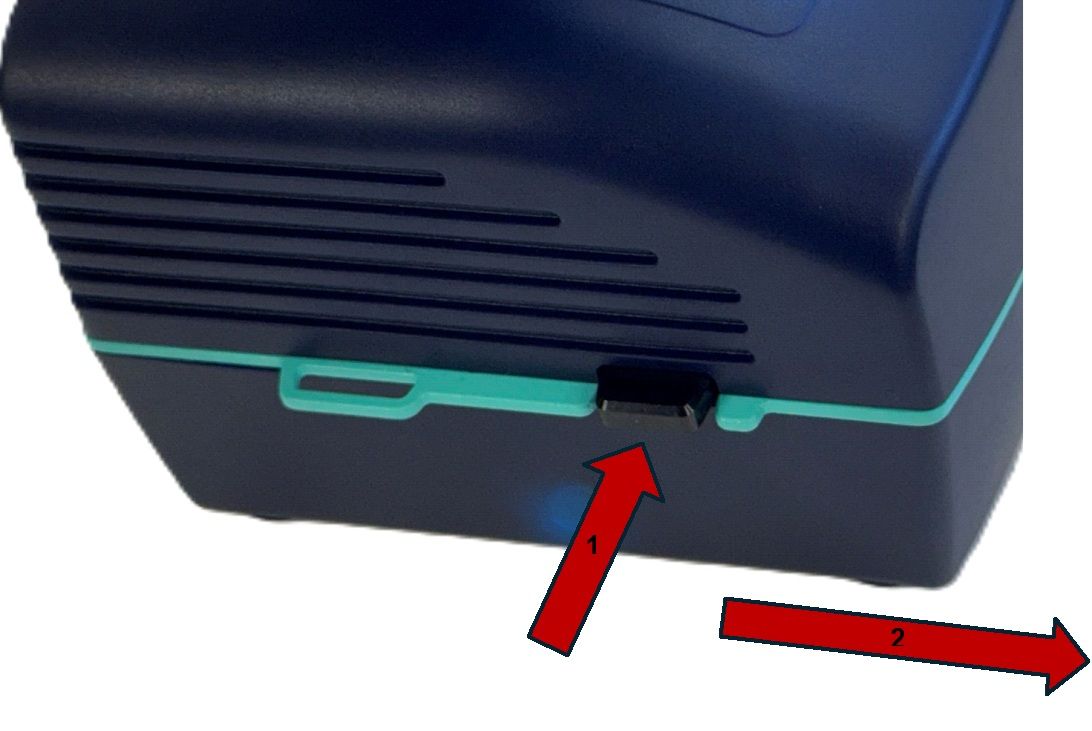
Shutting Down The Scanner
To save battery and maintain performance, you should shut down your NavLive Scanner after each use.
Working with the Portal
Getting Started in the Portal
Viewing Floor Plans
Editing Floor Plans
Viewing Images
Taking Measurements
Viewing the Point Cloud
Point Cloud Denoising
Custom Sections and Floor Plans
Exporting Your Scan
Working with NavLive Data in AutoCAD
Working with NavLive Data in Trimble Connect
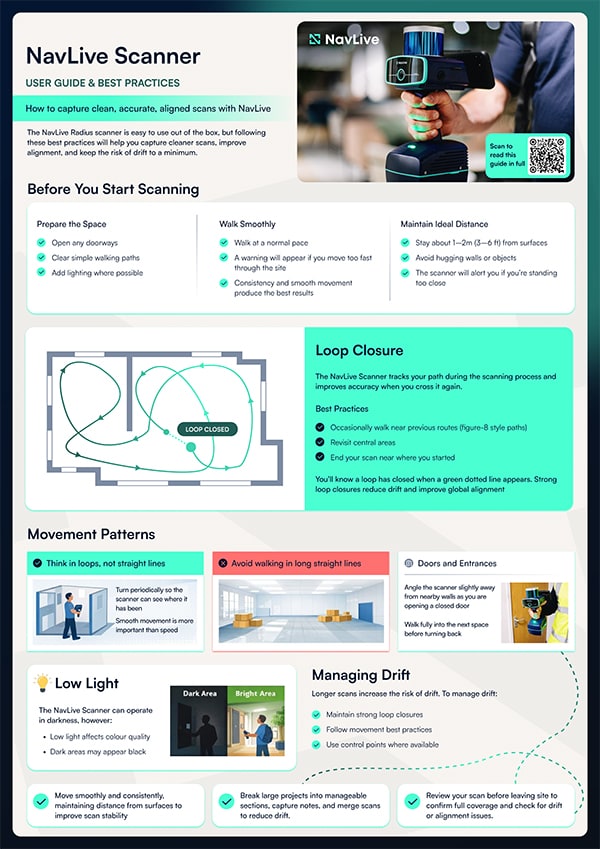
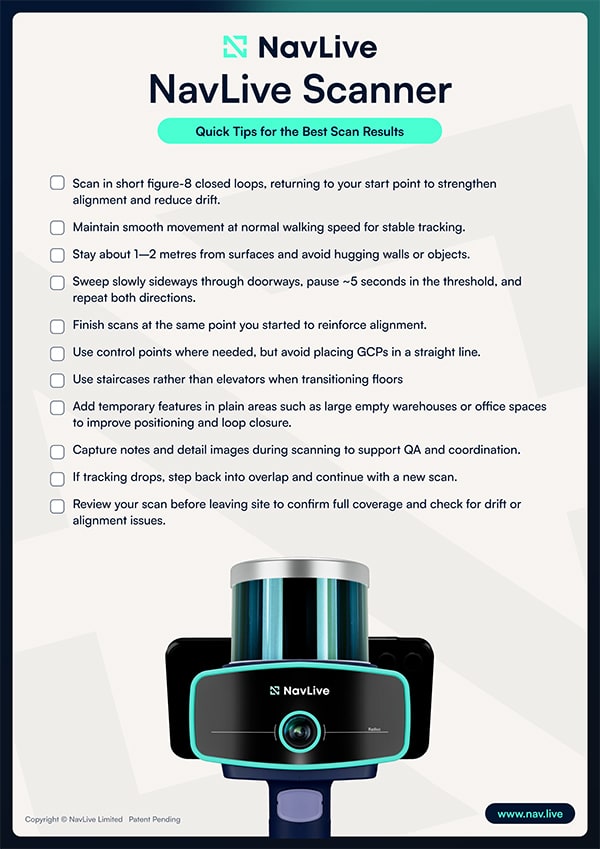
Working with NavLive Data
Learn how to make the most of your NavLive data in your favourite BIM tools like AutoCAD, Revit, and SketchUp with our step-by-step video guides.

Working with NavLive Data in Autodesk AutoCAD
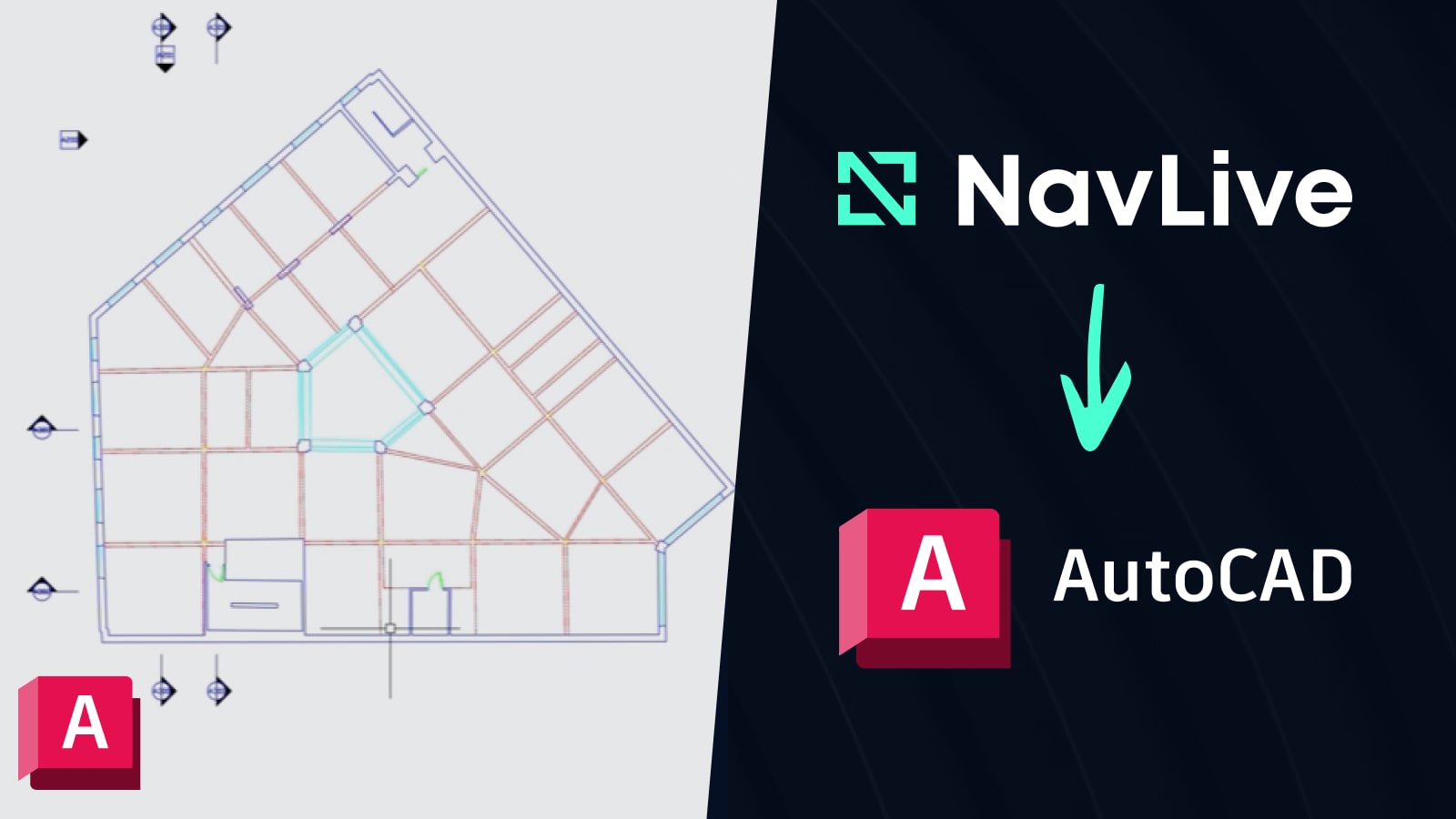
A step-by-step guide to using NavLive data in Autodesk AutoCAD for creating accurate building drawings.
Read Now
Working with NavLive Data in Trimble Connect
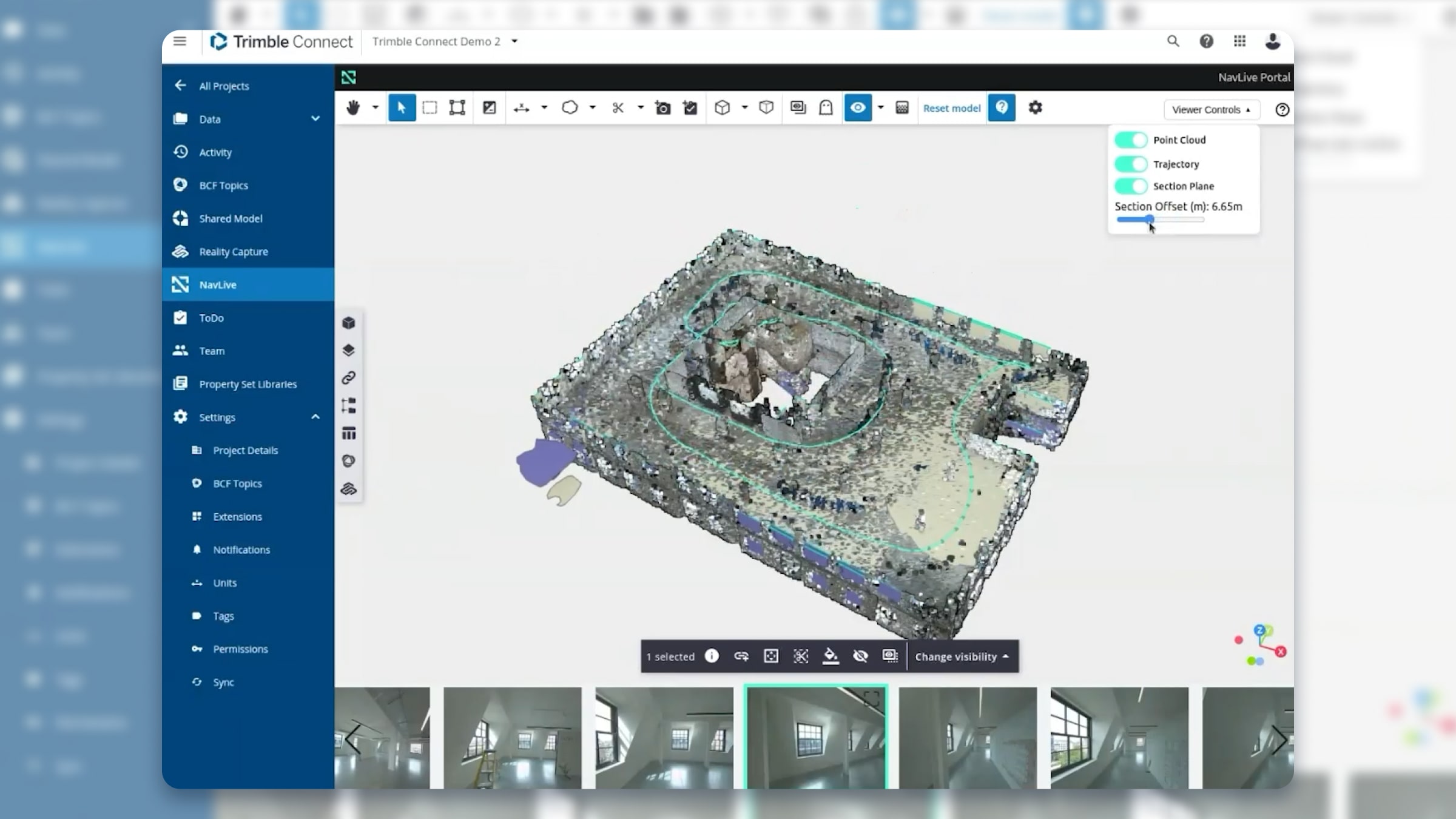
See how to bring NavLive data into Trimble Connect and quickly view all your building projects within the Trimble ecosystem.
Coming Soon
Working with NavLive Data in Autodesk Revit
Discover how to integrate NavLive data into Autodesk Revit for detailed and efficient building design.
Coming Soon