From Scan to Final Floor Plan: A Faster Way to Capture and Draw As-Built Spaces
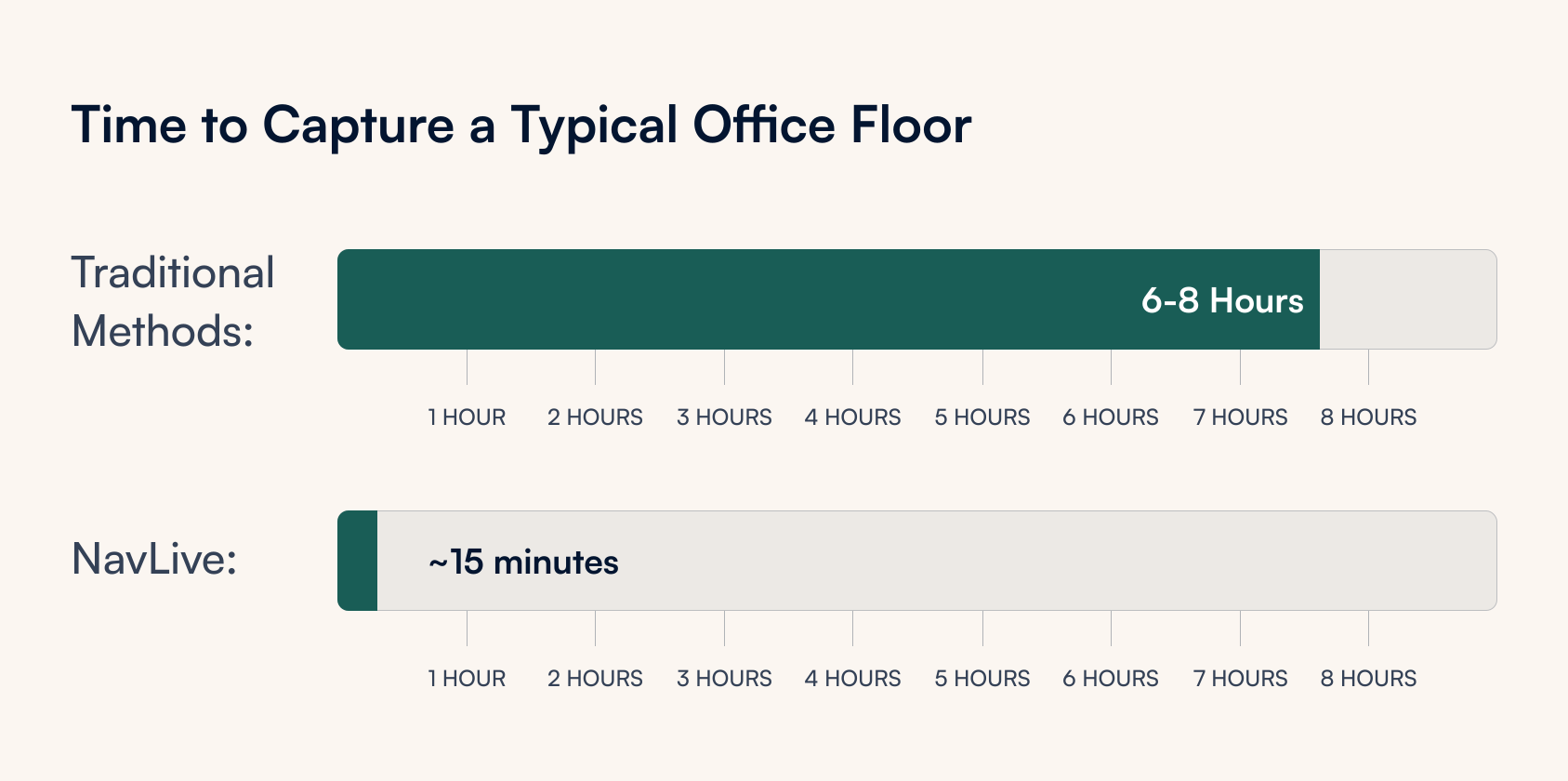
The traditional measured survey hasn’t changed much in decades. A surveyor arrives with a laser measure and a clipboard, works their way methodically around a building, and somewhere between several hours and a full day later, you have a set of hand-drafted or manually digitised measurements to work from. Then you wait for drawings.
NavLive takes a different approach.
Our construction scanner handles measurement, processing, and plan generation simultaneously. So by the time you leave site, the data is already waiting for your team.
Here’s how the workflow runs with NavLive, step by step.
01. Capture Measurements On Site
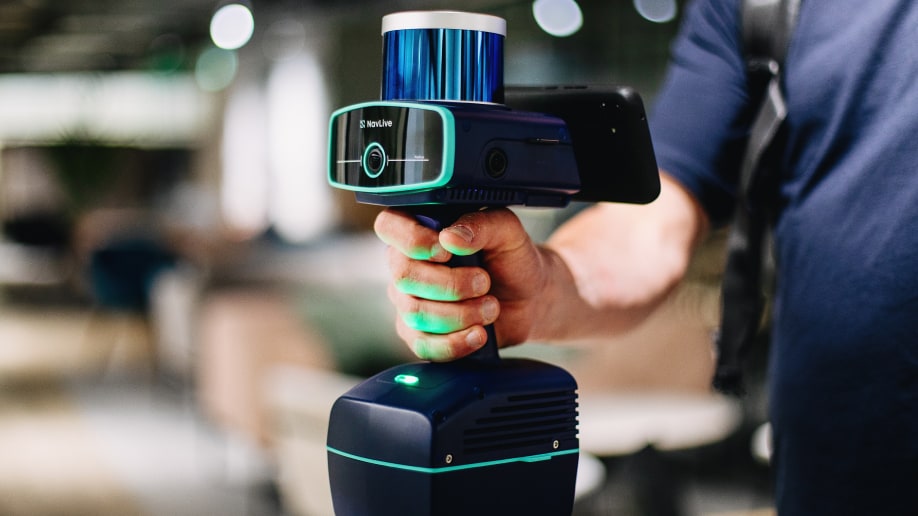
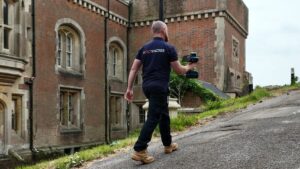
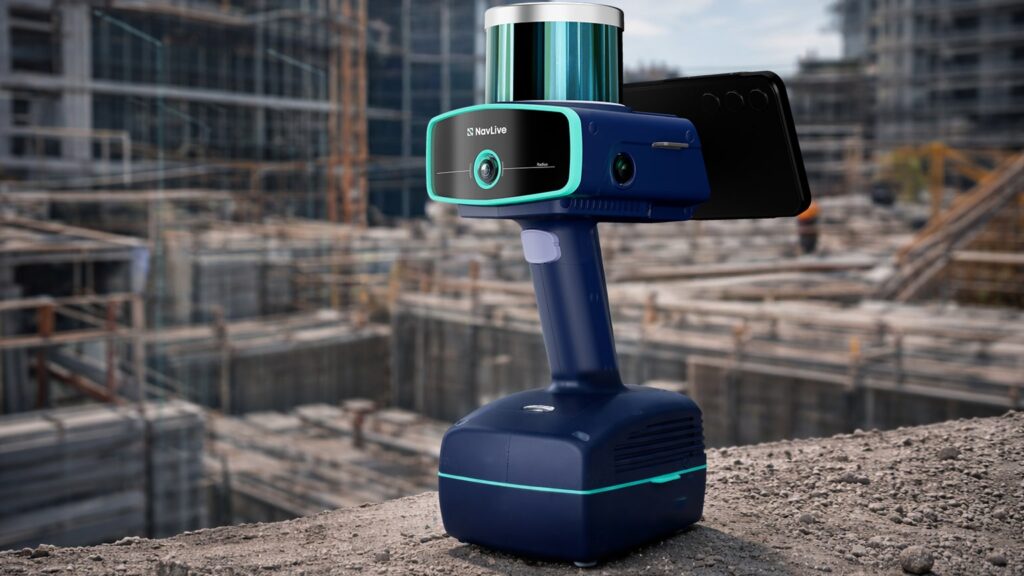
With NavLive, there’s no setup, no tripod, and no specialist training required. You simply pick up the NavLive scanner and walk through the space. That’s it.
The onboard LiDAR, AI processing, and IMU sensors handle everything else in real time, tracking your position, building a 3D point cloud, and generating a floor plan as you move. Three cameras capture photos automatically throughout, giving you a complete visual record of the space.
For most floors, the whole capture takes somewhere between 10 and 20 minutes. A full residential building, interior and exterior, can been scanned in under 20 minutes. All data is processed on the device, so nothing needs to be uploaded to a third party and you’re not waiting around for results.
Typical scan time: 10–20 minutes
02. View Your Data in the NavLive Portal
As soon as the scan is complete and synced, it’s live in the NavLive Portal, accessible to anyone on your team from any device, with nothing to download or install.
They’ll find the auto-generated floor plans and elevations, the full 3D point cloud (which can be sliced and navigated in the browser), and the photo trail from the scan route, each image pinned to its exact location.
If you need a quick area calculation before you’ve even left site, you can draw it directly in the Portal. For collaborative teams, this is where reviewing, annotating, and sharing happens, no emailing large files back and forth.
Available to your team the moment you leave site
03. Export to your BIM Software of Choice
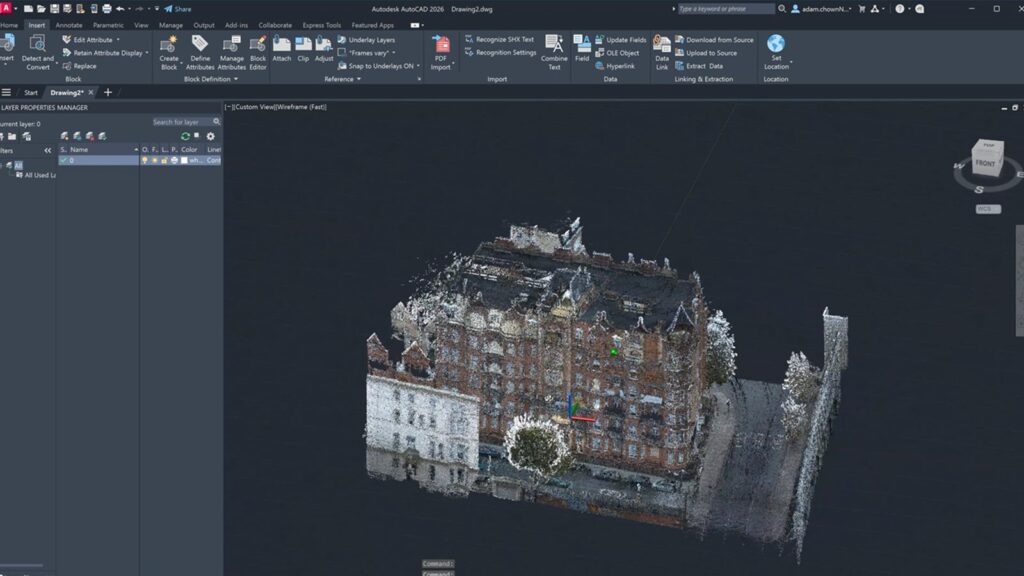
NavLive doesn’t ask you to change the tools you already use. Floor plans export as DXF or PDF; point clouds export as E57, LAS, or PCD, the standard formats that Revit, AutoCAD, Archicad, SketchUp, Rhino and most other AEC software read natively.
If your team works across different platforms, everyone gets what they need from the same scan.
Compatible with Revit · AutoCAD · Archicad · SketchUp · Rhino & more
04. Trace Over the Scan Data to Produce Final Drawings
With the point cloud loaded into your software, drawing up as-built conditions is straightforward. The data is accurate to within 1–2 cm, so you’re tracing over a reliable reference rather than working from sketchy handwritten notes.
Walls, doors, windows, floor levels, ceiling voids, it’s all there. What might once have taken an afternoon of drafting from survey notes can typically be wrapped up in a couple of hours.
The video guide above shows an architect producing a complete architectural elevation drawing in AutoCAD in under an hour from NavLive data, providing a reasonable sense of what to expect in practice.
Accuracy: 1–2 cm (RICS-grade)
To put all that in concrete terms: a typical office floor scanned in 15 minutes, data immediately available to the team, and a finished drawing delivered the same day. For architects and surveyors used to waiting days for survey results before they can even start work, that’s a meaningful shift in how projects move.
NavLive also changes what’s practical on tighter timelines. Being able to start a floor plan design while still on site with the client, for example, or turning around a measured survey as part of a pitch rather than after winning the job.
See How Quickly a Floor Plan Comes Together
Want to learn more?
Book a live NavLive demo, and we’ll walk you through the full workflow, from scanning to finished drawing, so you can judge for yourself how it fits your practice.